Search Website
Page Layouts
Sites in Cascade have four default page layouts: Homepage, Full Width, Left Navigation, and News Article. Aside from the Homepage, all other layouts are nested within the Interior Page. Each layout has its own set of compatible components and defined parameters that govern its usage.
For technical support or detailed instructions on building your new site, visit the Cascade CMS template design documentation.
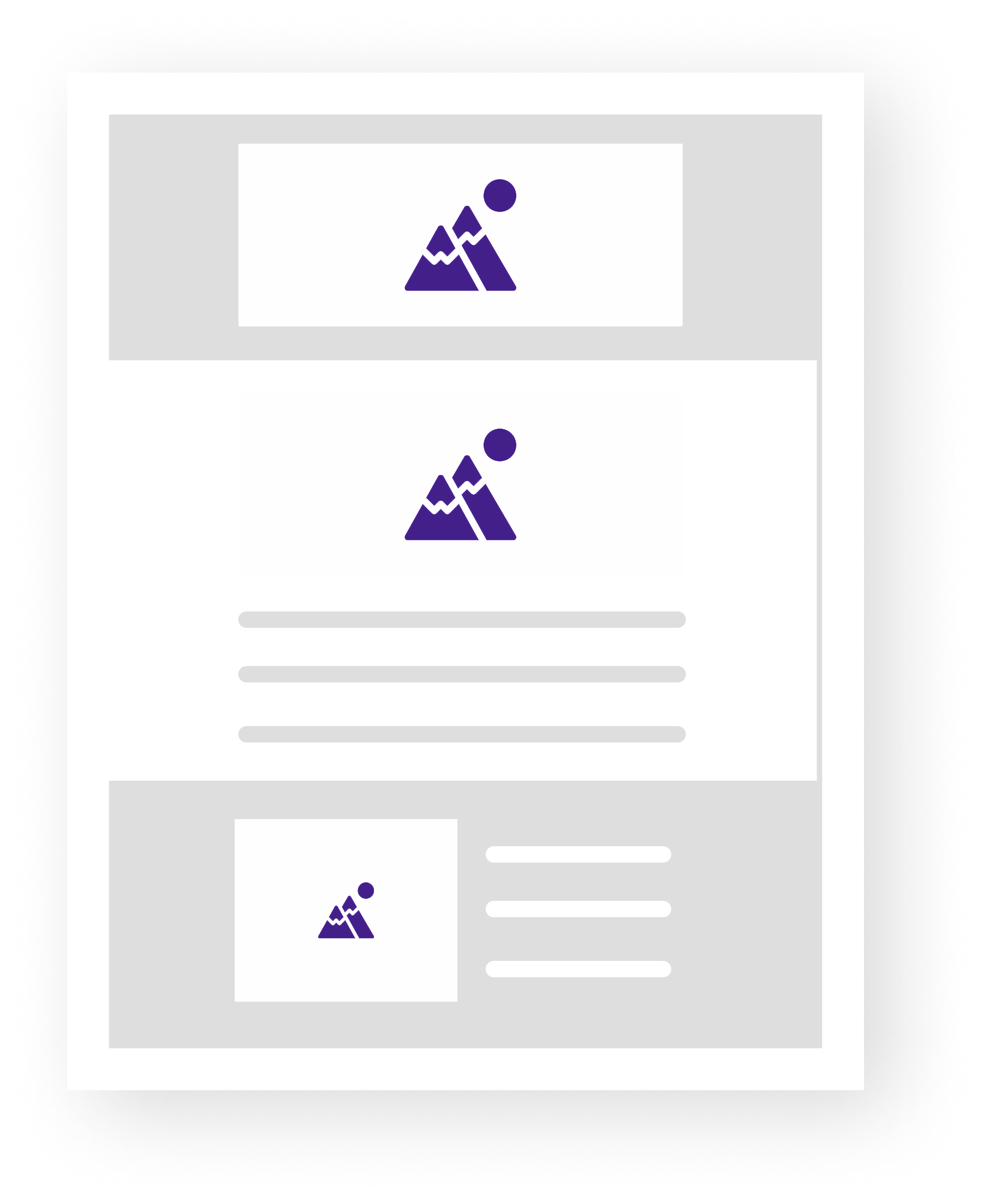
Homepage Layout
This layout is assigned by default to the main index page in the root folder. The Homepage layout features an alternating grey background across its components.
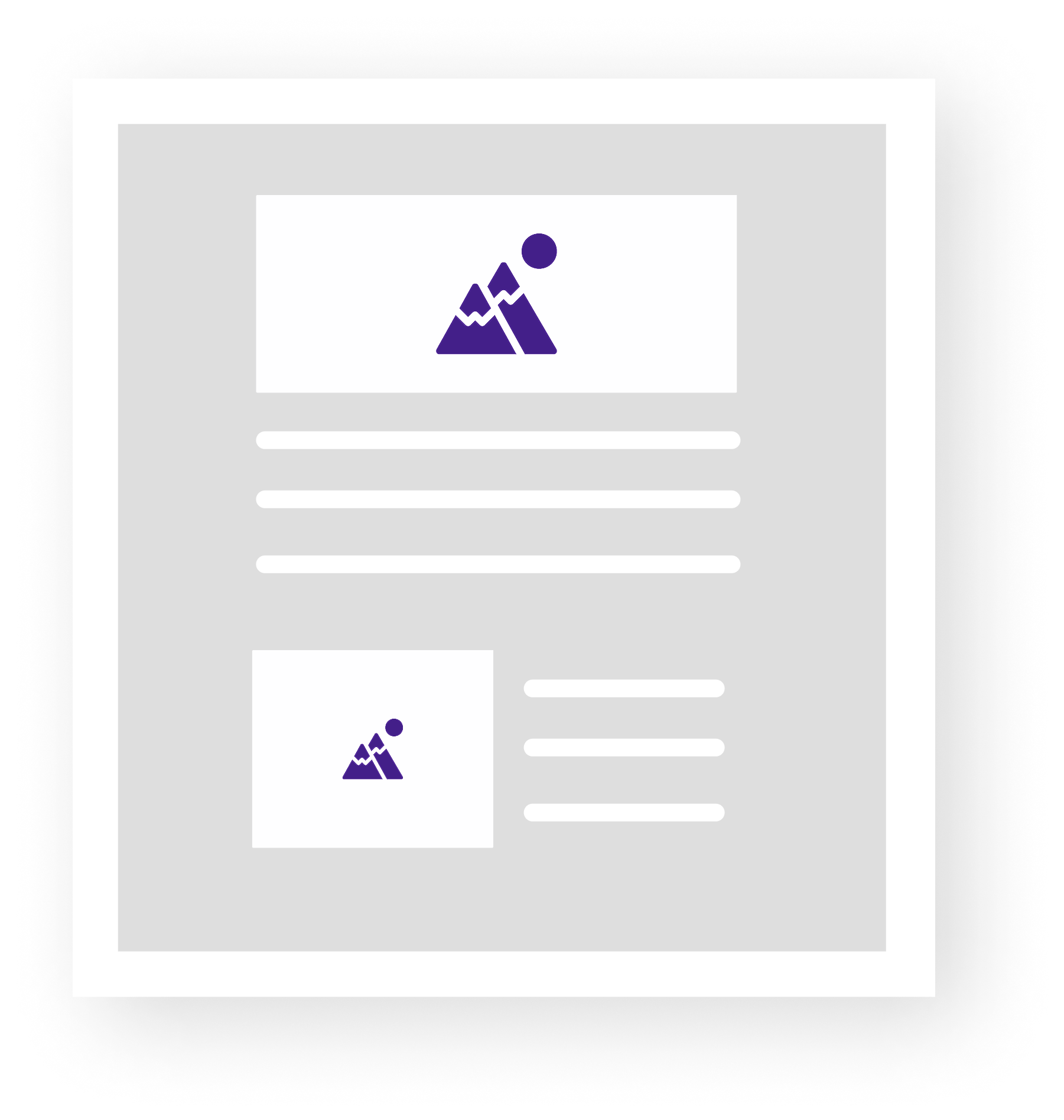
Full Width Layout
Designed for components to span edge to edge within the main container. This layout offers maximum flexibility, making it perfect for landing pages and visually-driven content.
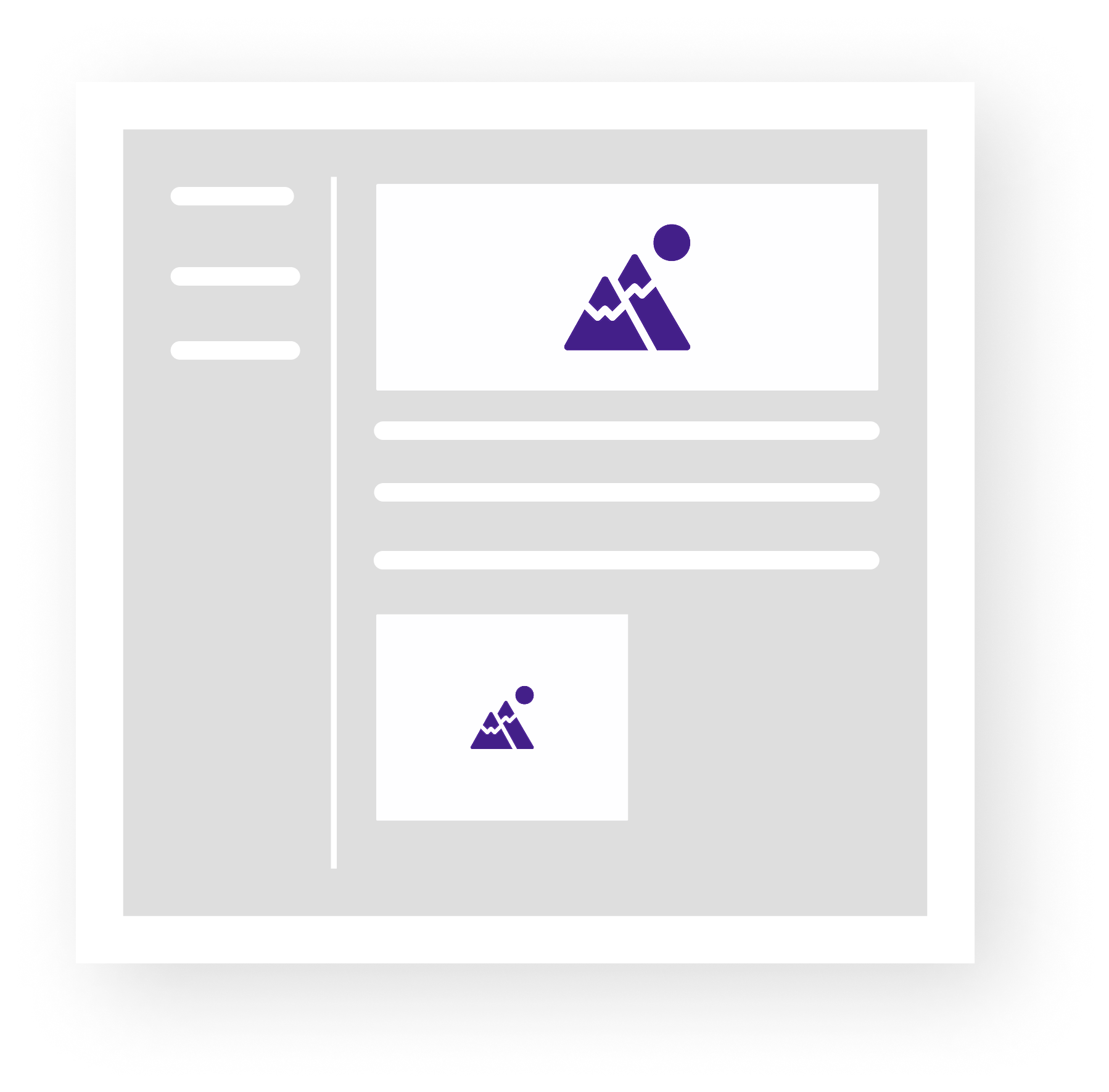
Left Navigation Layout
This layout provides a clear structural navigation with components sized within its default container. It works best for pages grouped under a parent index and tied to a common topic. It’s been designed to give users an intuitive and easy experience when navigating multiple pieces of content.
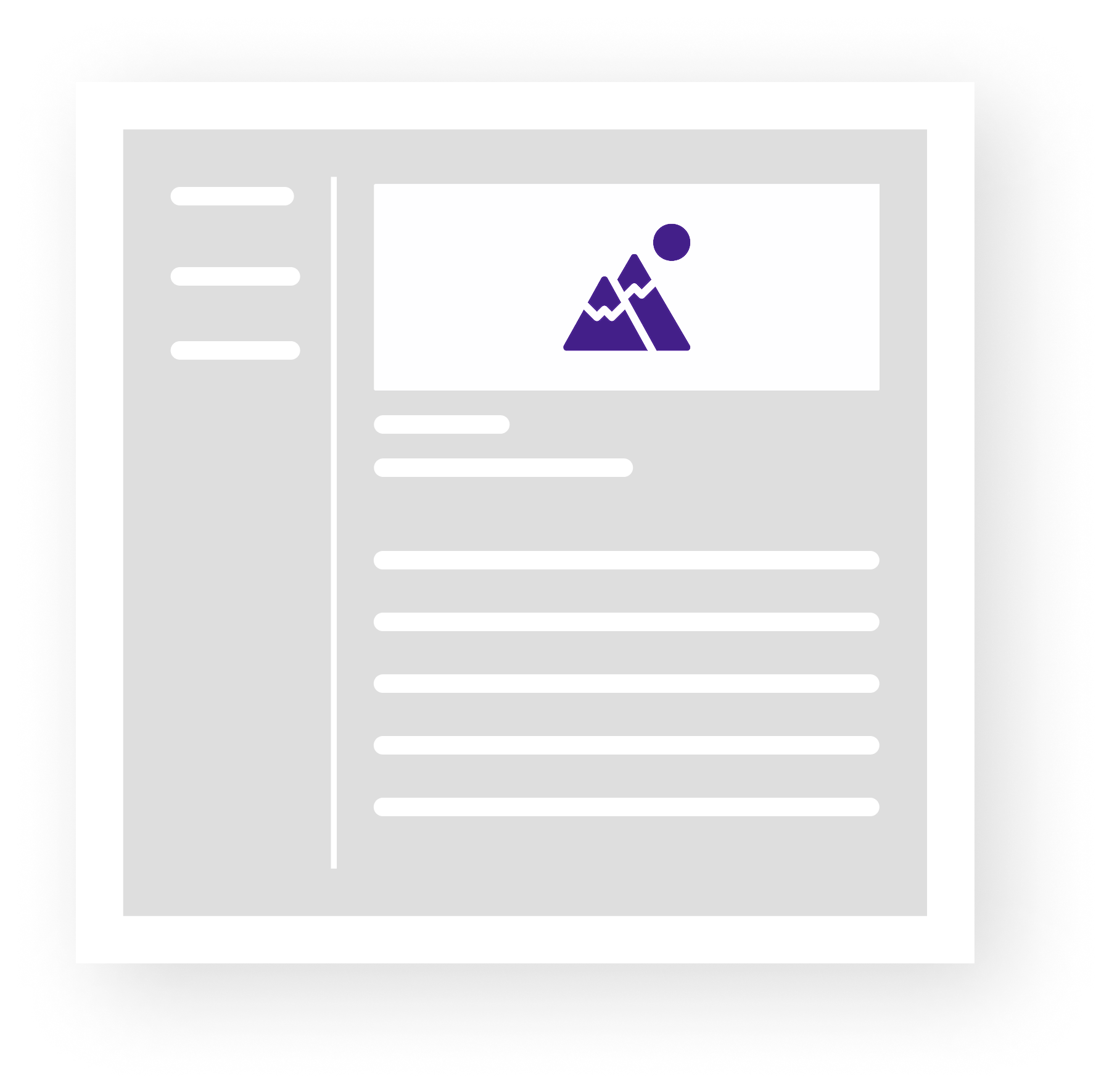
News Article Layout
Built to display articles in a consistent layout, including a headline, author, and publish date, this layout adopts the left navigation of its parent folder.