Faculty/Staff Search

OR

Department/Unit Search

Search
  • About
    • Awards & Accolades
    • Meet the Team
    • Althea Blackburn-Evans
  • Products
  • Digital Resources
  • Media Relations
  • Western Brand
Search
Search Icon
Close Icon

Search Website

QUICK LINKS:

  • WebMail
  • Brightspace
  • Student Services
  • Websites A-Z
  • Directory
  • Events
  • Libraries
  • Maps
  • Parking
  1. Home
  2. Digital Resources
  3. Cascade Design Library
  4. Image Gallery
Digital Resources Cascade Design Library Accordions Cards Classes Columns CTA Block  CTA Links Easy Columns  Factoids  Featured Banner Featured Cards Featured Content Featured Highlight Full-Width Banner Hero Banners News Staff Listing Tabs Templates Testimonial Block Titles Video Getting Started in Cascade Web Accessibility Standards (AODA) Search Engine Optimization (SEO) Launch Checklist Writing for the Web Events Calendar Social Media

Image Gallery

Homepage    Full width   Left Navigation    News Article

The Image Gallery component arranges multiple images in a structured layout, automatically adjusting its height. For the best visual experience, using images of consistent size is recommended.

For technical support or detailed instructions on building your new site, visit the Cascade CMS template design documentation.
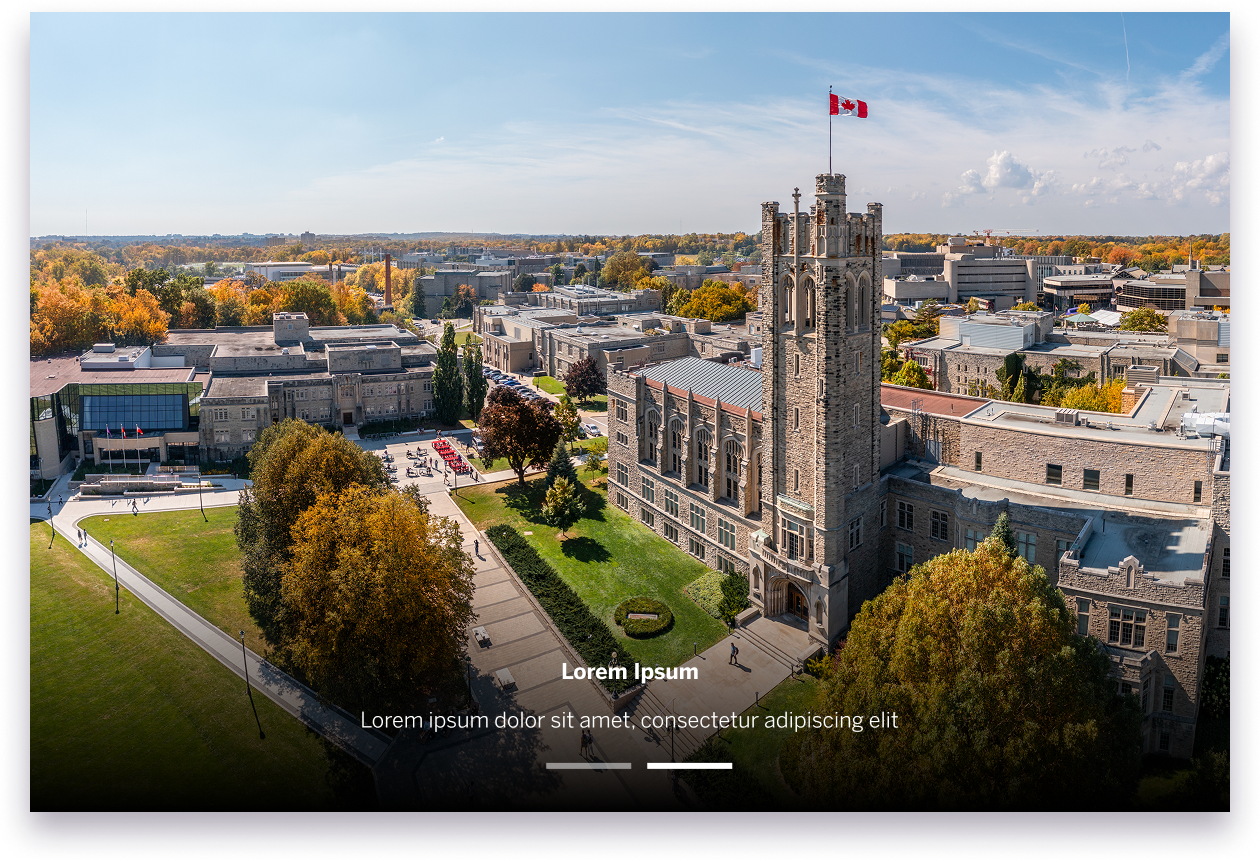
Example image of the image gallery component
View Live Example